Chapters
12
Switch to Edit pages to reword any question or add a name to the cover.
Recently made journals
All 417 books →-
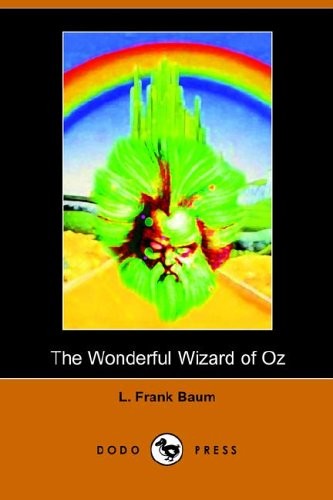 The Wonderful Wizard of Oz
-
 Boomer (the Puppy Place #37)
-
 Bingo (the Puppy Place #65)
-
 Bubbles and Boo (the Puppy Place #44)
-
 Waffles (the Puppy Place #68)
-
 Ellray Jakes Rocks The Holidays!
-
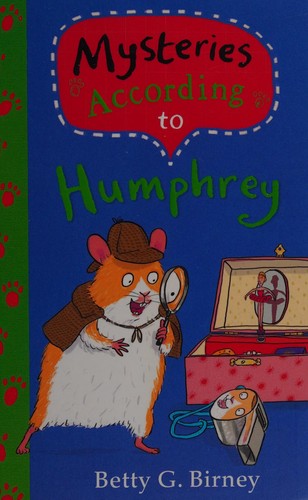 Mysteries According to Humphrey
-
 The School for Thieves
-
 Cooper (the Puppy Place #35)
-
 Moose (the Puppy Place #23)
-
 Baxter (the Puppy Place #19)
-
 Princess (Puppy Place)
Type the book
The journal on this page rebuilds itself for your book — one question per chapter.
Make it yours
Tap a question to reword it. Tap the cover to add your reader’s name.
Print & staple
Download the booklet, print double-sided, fold in half, staple. About a minute.
Questions parents ask
- Is it free?
- Yes — free while in beta. No account, no email needed.
- Does it work for any book?
- Most chapter books. If we can’t find yours, type the title anyway and set the chapter count — the journal still builds.
- Does this prove my child read it?
- No tool can. It gives you a low-pressure way to see what they understood and start a better conversation about the book.
- How do I print it?
- Download the booklet PDF, print double-sided (flip on the short edge) at 100%, fold the stack in half, staple on the fold.